You’ve set your budget. You’ve written your ad copy. You’ve chosen your keywords. Your ads are live, impressions are coming in, and the clicks are trickling through. But your cost-per-acquisition is climbing, your SQLs aren’t moving, and the demo bookings aren’t where they need to be.
Most advertisers blame the bid strategy. Some blame the landing page. The real culprit is usually sitting right in the campaign settings, ignored.
Ad extensions are the most underleveraged tool in paid search. Used properly, they increase CTR, reduce wasted spend, and pull in higher-intent traffic that actually converts. That directly affects your CAC. It affects your MRR. And it affects how efficiently you can scale. This guide covers how each extension type drives engagement, what the data actually shows, and the execution details that most agencies skip.
What Are Ad Extensions?
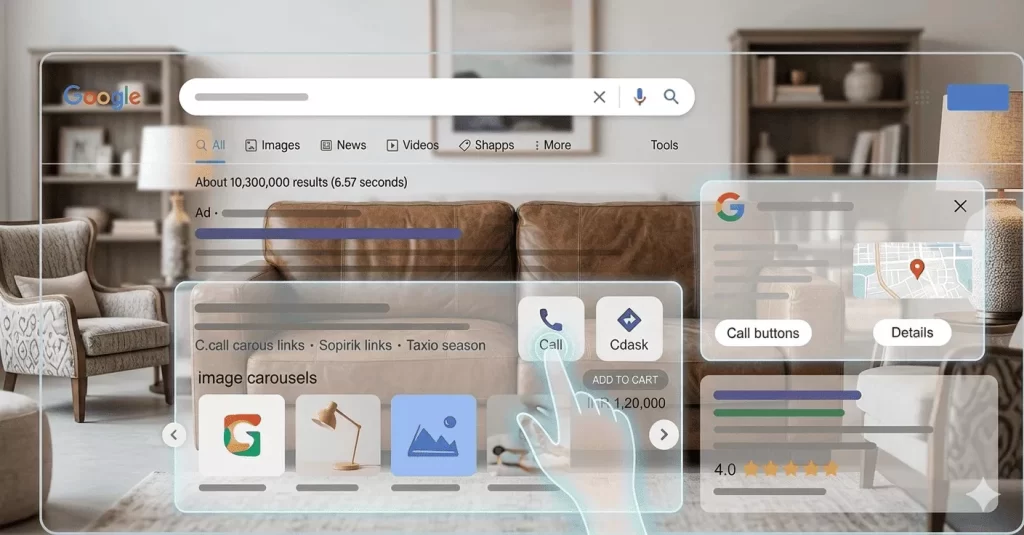
Ad extensions, now officially called “assets” in Google Ads, are additional pieces of information that appear below or alongside your core search ad. They give users more context before they click, which means the traffic you do get is better qualified and more likely to convert.
Think of your base ad as a business card. Extensions turn it into a full pitch deck.
You can show your phone number, specific page links, pricing, reviews, location, product details, and more. Google selects which extensions to display based on context, auction dynamics, and predicted performance. Not every extension shows every time, but every extension you add improves what Google can do with your ad.
The cost model is straightforward. Extensions are free to set up. You only pay when someone clicks, at the same CPC as your main ad. There is no downside to enabling them.
Why Engagement Drives Real Business Outcomes
Engagement in paid search is not just about clicks. It is about getting the right person to click, with enough information to make a decision, at a cost that supports your unit economics.
Every additional piece of relevant information your ad shows increases the chance that the click you get converts into an SQL, a demo booking, or a paying customer. That directly compresses your CAC and improves LTV-to-CAC ratio over time.
There is also a compounding effect at the auction level. Higher CTR improves your Quality Score. A better Quality Score lowers your CPC and improves your ad rank. Better ad rank means more impressions without increasing bids. Ad extensions are the most direct, controllable input into that entire chain.
How Each Extension Type Improves Engagement
1. Sitelink Extensions
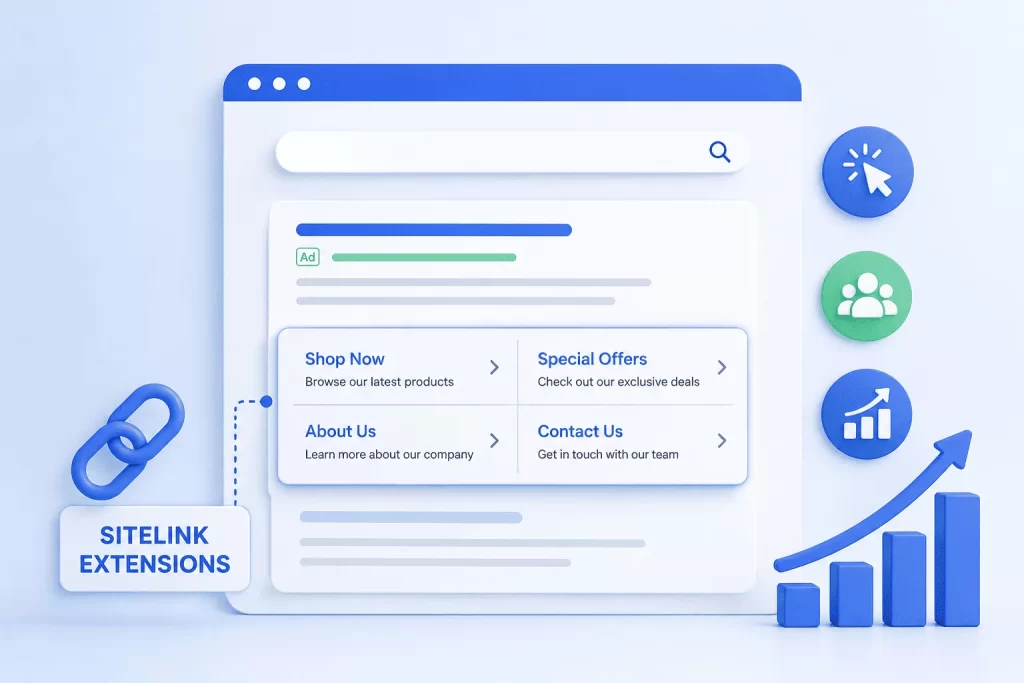
Sitelinks are additional clickable links that appear below your main ad, each pointing to a specific page on your site. Examples include “Book a Free Audit,” “View Case Studies,” or “Pricing.”
They expand the physical size of your ad on the page, making it harder to scroll past. More importantly, they give different users different entry points into your funnel. A user who already knows what they want can skip straight to your pricing page. A user still comparing options can go to your case studies. You stop forcing everyone through the same door.
Google’s data shows sitelinks can increase CTR by up to 20% when all four are shown. At scale, that kind of improvement has a direct impact on impression share, SQL volume, and ultimately MRR.
Use action-oriented anchor text. “Get a Free Quote” outperforms “Quote Page” every time. Make sure each sitelink destination is a genuinely distinct, useful page, not a variation of your homepage.
2. Callout Extensions
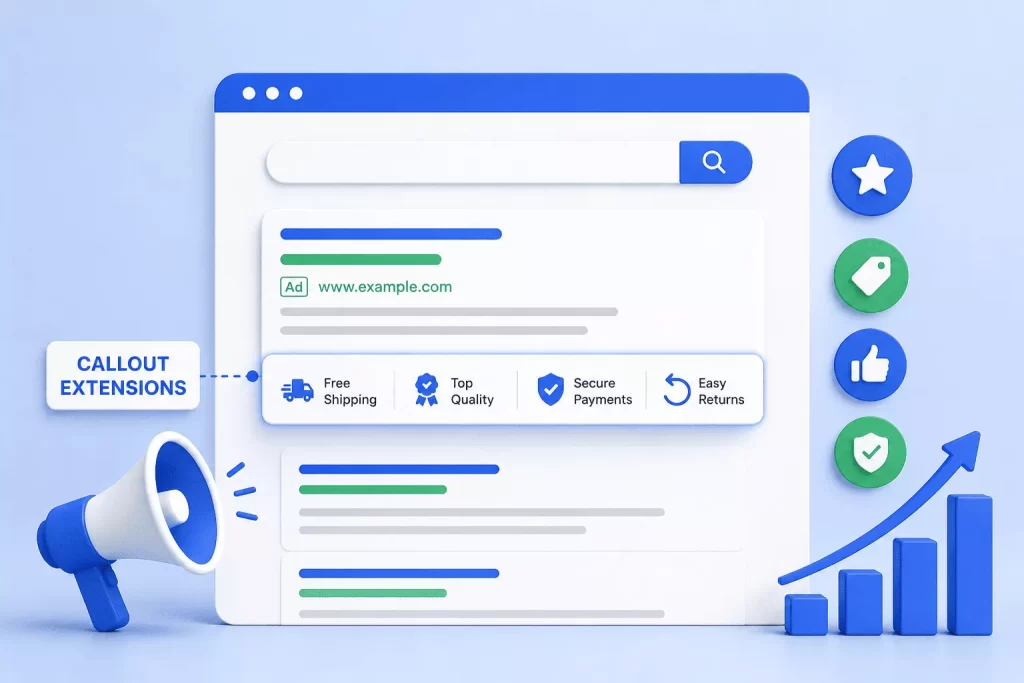
Callouts are short, non-clickable snippets of text (25 characters each) that highlight specific selling points. “No Setup Fees,” “Google Premier Partner,” “Transparent Reporting.”
They function as trust signals. Before a user clicks, they are scanning for reasons to engage or reasons to bounce. Callouts give you space to address objections and communicate credibility without disrupting your ad copy flow.
For high-consideration purchases like PPC management or SaaS products, these micro-signals can be the difference between a click that converts and one that does not.
Specificity is everything here. “Certified Google Ads Partner” beats “Experienced Team.” “Average 3.2x ROAS for Clients” beats “Great Results.” Vague callouts are ignored. Specific ones get read.
3. Structured Snippet Extensions
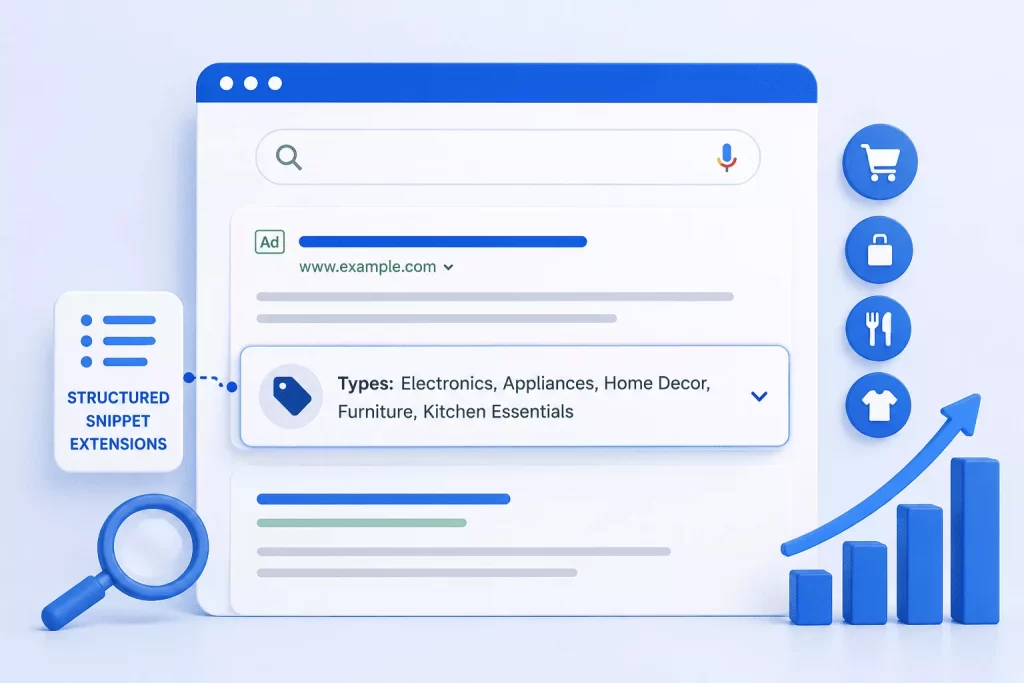
Structured snippets use predefined headers (Services, Products, Brands, Courses, Destinations) paired with a list of values you define.
They show users the range of what you offer before they click. A user searching for a PPC agency who sees “Services: Google Ads, Meta Ads, Retargeting, Landing Page CRO” immediately understands your scope. That context filters out unqualified clicks and attracts users who match your full offering, which has a direct effect on post-click conversion rate and downstream lead quality.
Choose the header that fits your business accurately and include at least four values. Services and Products headers typically perform best for agencies and B2B businesses.
4. Call Extensions
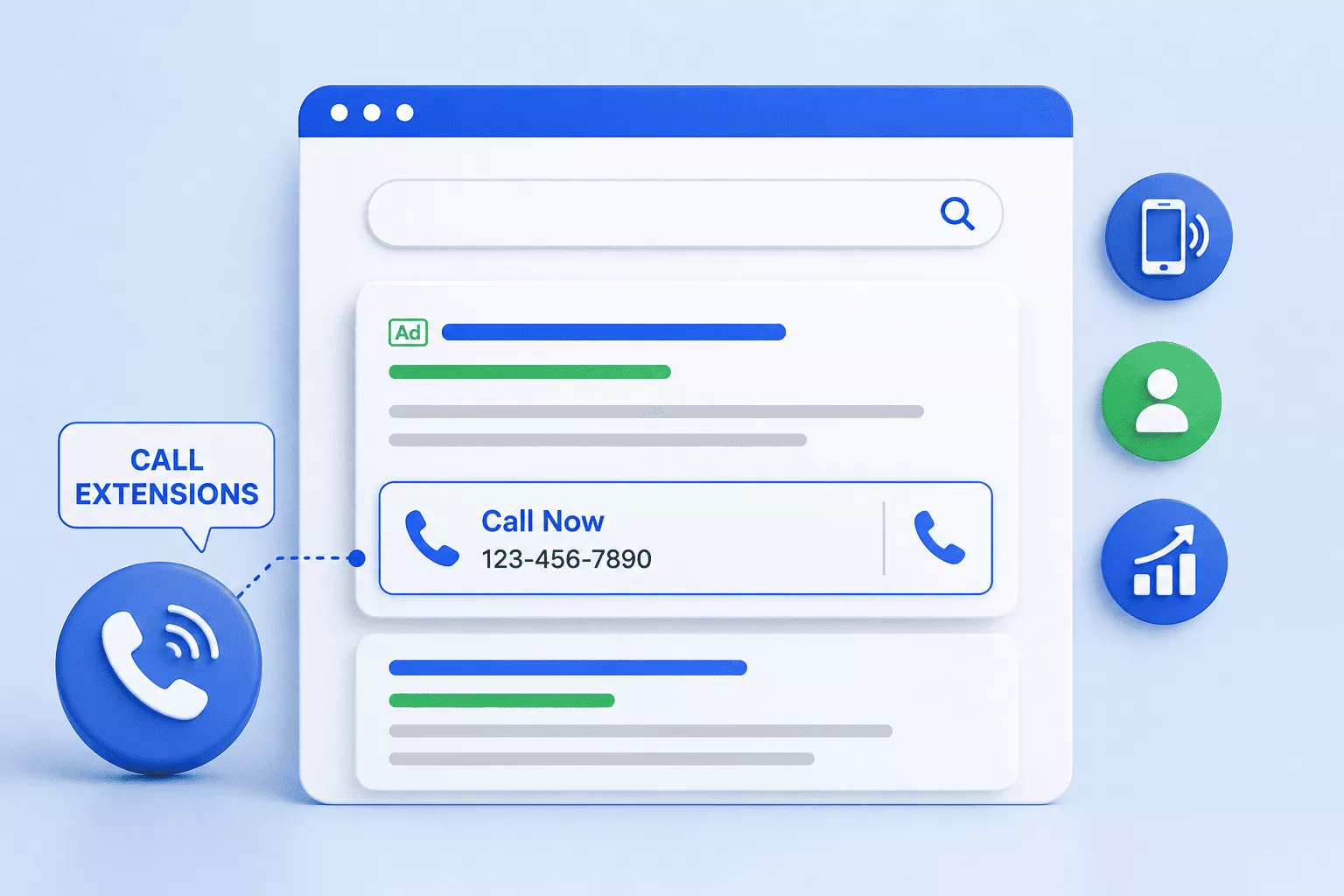
Call extensions display your phone number directly in the ad with a click-to-call button on mobile.
For businesses where deals close over a call, this is one of the highest-value extensions available. It removes the friction of navigating to your site, finding a contact number, and dialling. On mobile, it collapses that entire journey to a single tap.
Research from Think with Google consistently shows that calls are worth significantly more than web clicks for service businesses. If phone conversations are part of your sales process, not having call extensions active is a direct revenue leak.
Schedule call extensions for business hours only. Use call reporting to track quality, not just volume. A high call count with low SQL conversion usually points to a targeting or messaging problem, not an extensions problem.
5. Location Extensions
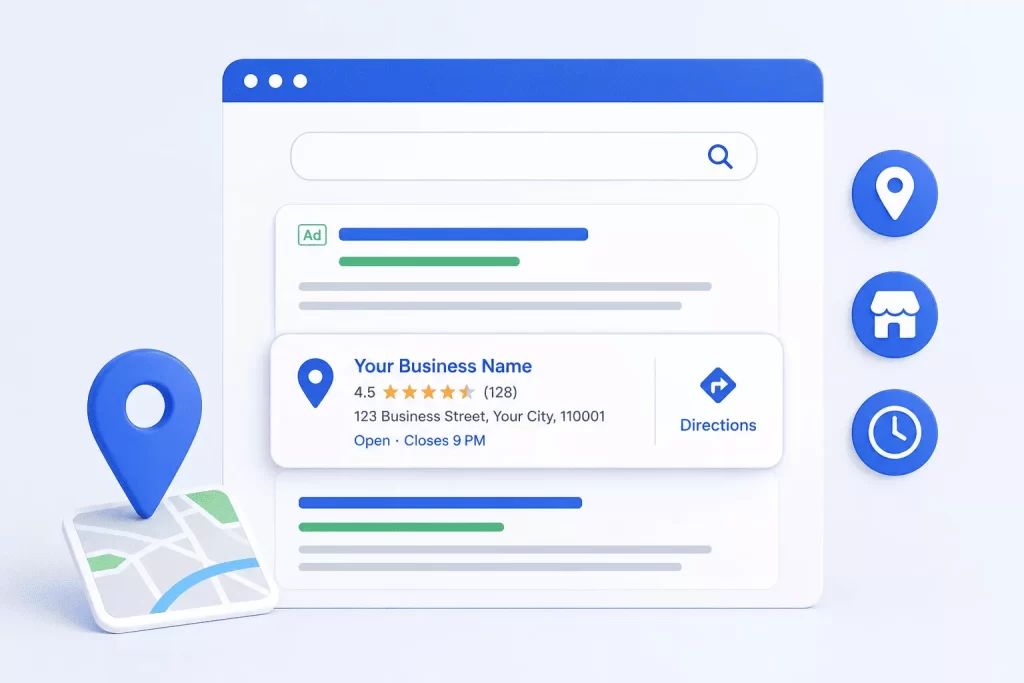
Location extensions pull your business address, map pin, and distance from the user directly from your Google Business Profile and display them in the ad.
They build local trust fast. Seeing that a business is nearby increases perceived credibility, particularly for service businesses where face-to-face meetings are part of the buying process. They also improve performance for geographically qualified searches and “near me” queries.
Make sure your Google Business Profile is fully verified and accurate before linking it. An outdated or incorrect address does the opposite of what you want.
6. Price Extensions
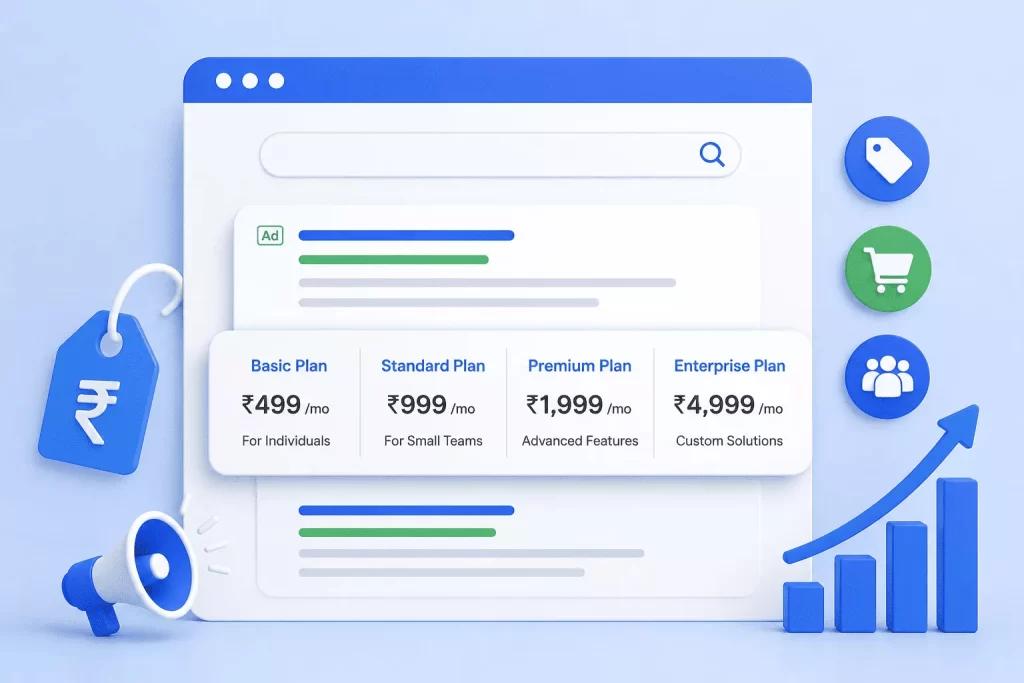
Price extensions display your services or products in a structured card format with associated pricing.
Transparency at this stage filters your traffic before the click. Users who are comfortable with your price range are significantly more likely to convert. Yes, you may lose clicks from users outside your target budget. But those clicks were never going to become paying customers. Price extensions improve lead quality, which improves your close rate and CAC.
Be specific. “From $500/month” is useful. “Competitive Pricing” tells nobody anything. If you offer tiered packages, show them. It communicates structure and professionalism.
7. Image Extensions
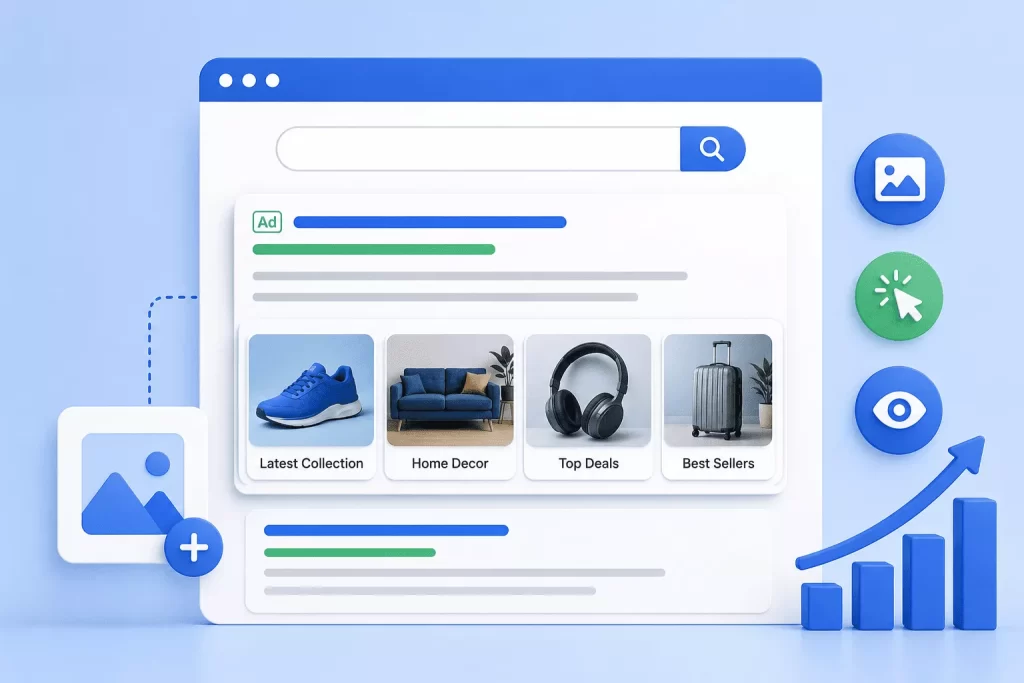
Image extensions display a visual image alongside your search ad on eligible placements.
In a results page full of text, a relevant image creates an immediate pattern interrupt. Users process visuals faster than text, and a strong image can communicate quality in a way that copy alone cannot. For service businesses where showing the quality of your work matters, this is an underused advantage.
Use high-quality images that reflect your actual business. Generic stock photography reads as low-effort and can hurt rather than help. Google requires a minimum of 600 x 314 pixels for landscape images. The recommended size is 1200 x 628 pixels at a 1.91:1 aspect ratio. Higher resolution images perform better across placements, so always upload at the recommended size where possible.
8. Lead Form Extensions
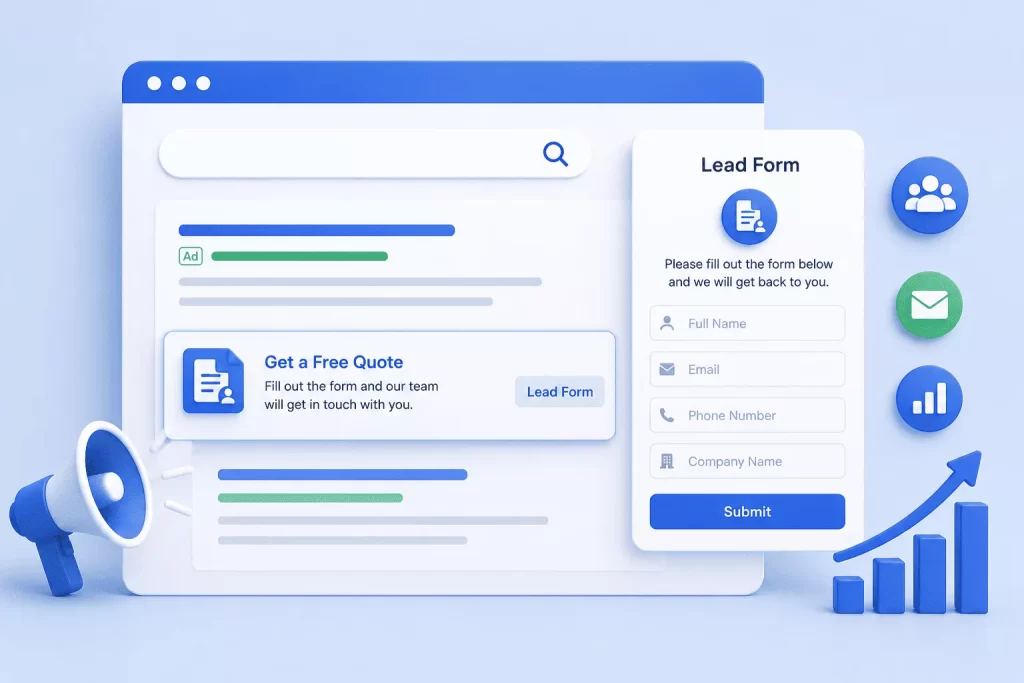
Lead form extensions embed a native Google form directly into the ad. Users can submit their contact information without ever leaving the search results page.
This removes the biggest source of conversion friction: loading a landing page. For mobile users especially, skipping that step significantly increases form completion rates. If your goal is SQL volume at scale, lead form extensions deserve serious testing.
Keep forms short. Name, email, and one qualifying question at most. Use the thank-you screen to set expectations clearly. Integrate with your CRM so leads route in real time.
9. Seller Rating Extensions
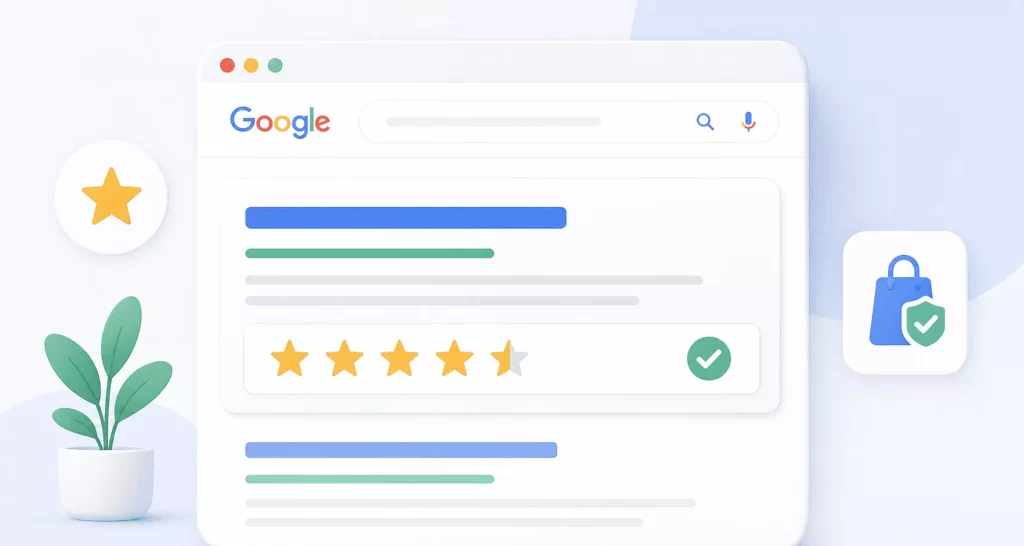
Seller ratings are automatically generated star ratings pulled from Google Customer Reviews, Google Shopping reviews, and approved third-party platforms.
Social proof is one of the strongest drivers of CTR in competitive markets. A 4.8-star rating displayed next to your ad immediately separates you from competitors without ratings, or with lower scores. Studies consistently show star ratings correlate with meaningful CTR lifts, particularly in markets where multiple providers are competing for the same search.
You cannot manually add seller ratings. Google pulls them automatically once you have sufficient review volume (typically 100 or more). The practical strategy is to actively build your review count through Google’s review invitation programme or platforms like Trustpilot.
10. Promotion Extensions
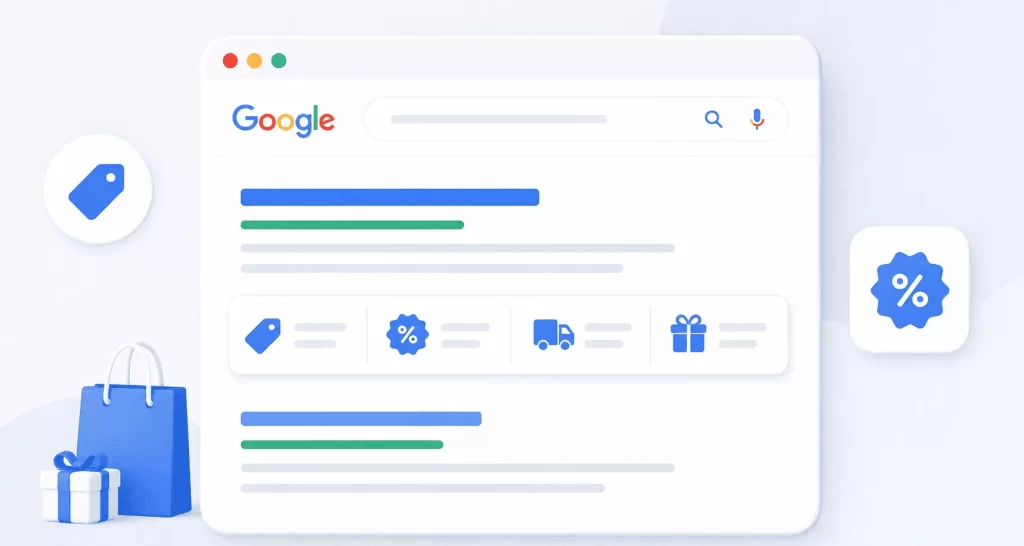
Promotion extensions highlight a specific offer (discount codes, sales events, limited-time deals) with a price tag icon beneath the main ad.
The price tag icon draws the eye. Time-limited promotions create urgency. Both drive clicks from users who were considering their options. For competitive markets where users are comparing multiple providers, a well-timed promotion extension can tip the decision.
Reserve these for genuine, meaningful offers. Permanent “always-on” promotions lose impact quickly and start to look like noise.
What the Data Actually Shows
The performance improvements from ad extensions are documented at scale.
Sitelinks can increase CTR by up to 20% when all four are shown. Image extensions drive an average 10% CTR increase on mobile Search ads. Seller ratings drive an average 2% CTR improvement on the Search network. Both figures come directly from Google’s own published data. These are not marginal numbers. At any meaningful spend level, they compound into significant CAC reductions and SQL volume gains.
Running four or more extensions simultaneously is strongly correlated with top ad positions. Google’s algorithm rewards relevance and user experience. An ad with sitelinks, callouts, structured snippets, and a call extension does not just add individual CTR lifts. It transforms the footprint and authority of your ad on the page, compresses your effective CPC through Quality Score gains, and improves the downstream metrics that actually determine whether your paid search spend is profitable.
Expert Tips to Maximise Engagement
Enable all eligible extensions. There is no cost to adding them. Every extension is a potential trigger for better visibility and stronger engagement.
A/B test extension variations. Rotate different sitelink copy, callout combinations, and structured snippet values. Google Ads provides performance data at the asset level. Use it.
Match extensions to search intent. Your sitelinks for a branded campaign should differ from those in a competitor or generic campaign. High-intent audiences need conversion-focused extensions. Research-stage audiences need trust and context.
Prioritise mobile-specific extensions. Call extensions and lead form extensions perform disproportionately well on mobile. Combine them with bid adjustments for mobile traffic during peak hours.
Schedule extensions properly. Call extensions should only run during business hours. Promotion extensions should only run during active promotional periods. A mismatch between your extension and your actual availability damages trust and wastes clicks.
Review asset-level performance monthly. In Google Ads, go to Ads and Assets, then Assets. Pause underperforming callouts or sitelinks and replace them with new variations. Treat extensions the same way you treat ad copy: always be testing.
Keep landing pages consistent. If a sitelink says “Free Google Ads Audit,” the destination page needs to lead with that offer. Extension-to-page mismatches kill Quality Score and destroy the trust you just built.
Mistakes That Quietly Drain Performance
Generic copy. Callouts like “Great Service” or “Experienced Team” are ignored by users and add nothing measurable to performance. Every character should earn its place.
Ignoring extension-level data. Most advertisers set extensions once and never revisit them. Reviewing performance at the asset level monthly is the baseline for a well-managed account.
Overlapping sitelink destinations. Each sitelink should point to a meaningfully different page. Sending multiple sitelinks to variations of your homepage signals poor account structure to Google and wastes the opportunity.
Setting extensions at the wrong level. Extensions can be set at account, campaign, or ad group level. Generic extensions go at account level so they inherit down. More specific extensions should override at campaign or ad group level for better relevance and performance.
Conclusion
If you are running Google Ads without a full, optimised set of active extensions, you are leaving CAC reduction on the table every single day. The businesses outranking you are not necessarily spending more. Many are simply using the tools Google provides more intelligently.
Start with sitelinks, callouts, and structured snippets. Add call extensions if phone conversations are part of your sales process. Layer in seller ratings, location extensions, and promotions as your account matures. Review performance, cut what does not work, test what might.
The difference between an ad that blends in and one that consistently pulls qualified traffic often comes down to the details that most people skip. Extensions are the most accessible version of those details.
Ready to find out exactly where your Google Ads account is underperforming?
Our team at AdtoRise conducts comprehensive Google Ads audits that cover every element of your account, including ad extensions, and identify exactly where revenue is being left behind. Book your free audit today and see what a fully optimised account looks like.
FAQs
Ad extensions improve both. While the immediate impact is higher CTR, the real value comes from better-qualified clicks. Users see more context before clicking, which filters out low-intent traffic and increases conversion rates downstream.
Yes. There is no cost to add extensions. You only pay when someone clicks, and the CPC is the same as your main ad. There is no additional fee for using them.
Start with sitelink extensions, callout extensions, and structured snippet extensions, as these deliver the strongest impact on CTR, ad visibility, and overall engagement. Once these core assets are in place, layer in call, image, and lead form extensions based on your business model and how your audience prefers to convert.
Use as many relevant extensions as possible. Google recommends at least 4–6 different types. The more high-quality assets you provide, the more combinations Google can test to improve performance.
Ad extensions don’t show every time—Google displays them based on ad rank, bid competitiveness, expected performance, and available space, with low ad rank or poor relevance being the most common reasons they don’t appear.
Indirectly, yes. Extensions improve CTR, and higher CTR is a key component of Quality Score. A better Quality Score can reduce CPC and improve ad position over time.
Callouts highlight key benefits like “No Setup Fees” and build trust, while structured snippets showcase offerings such as “Services: SEO, PPC, CRO,” giving clear context about what you provide before a user clicks.
Review performance monthly at a minimum. Pause underperforming assets and replace them with new variations. High-performing accounts treat extensions like ad copy—constantly tested and improved.
Setting them once and ignoring them. Most accounts have outdated, generic, or underperforming extensions. Regular testing and optimisation is where the real gains come from.